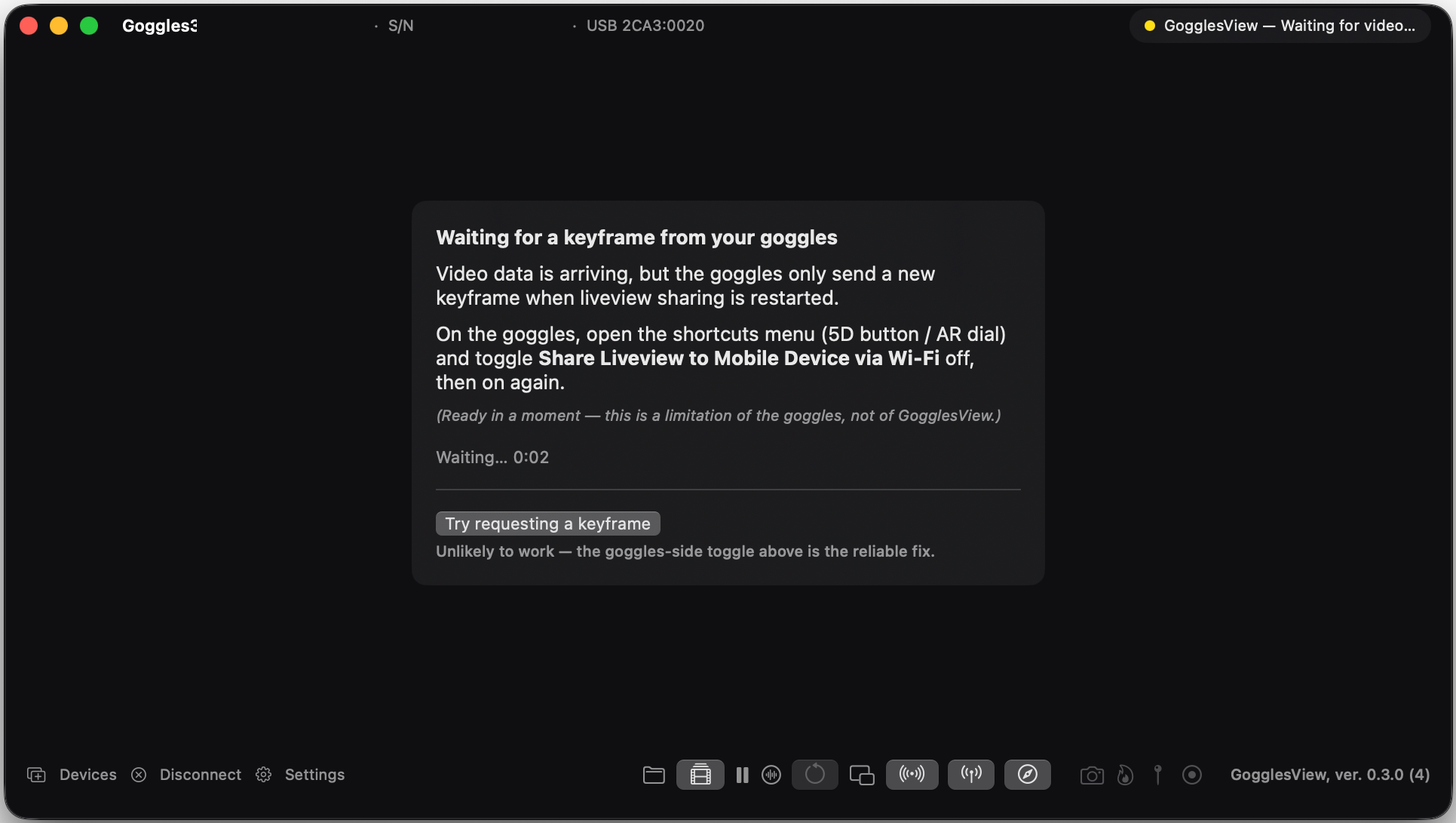
The overlay is part of the picture
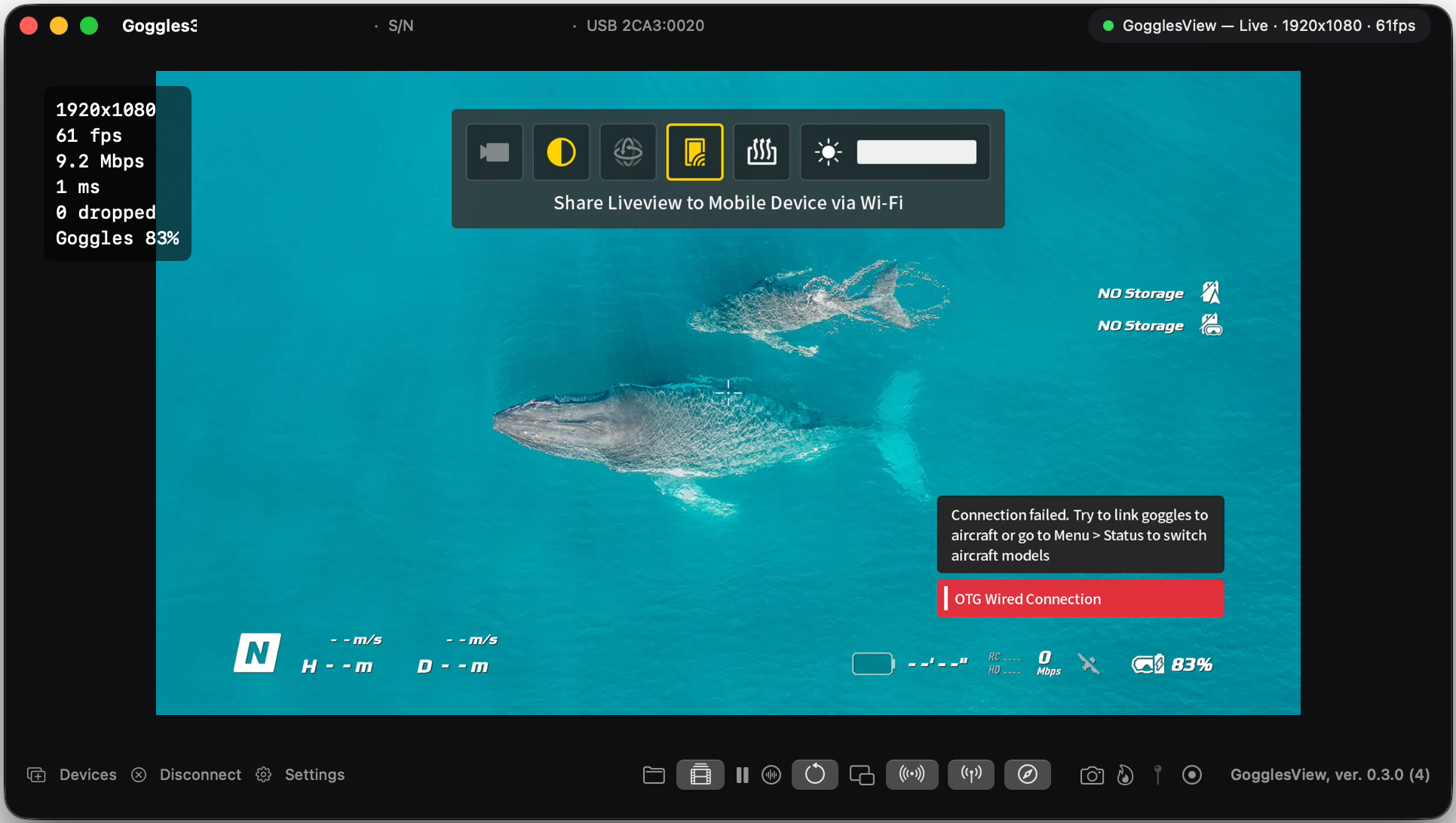
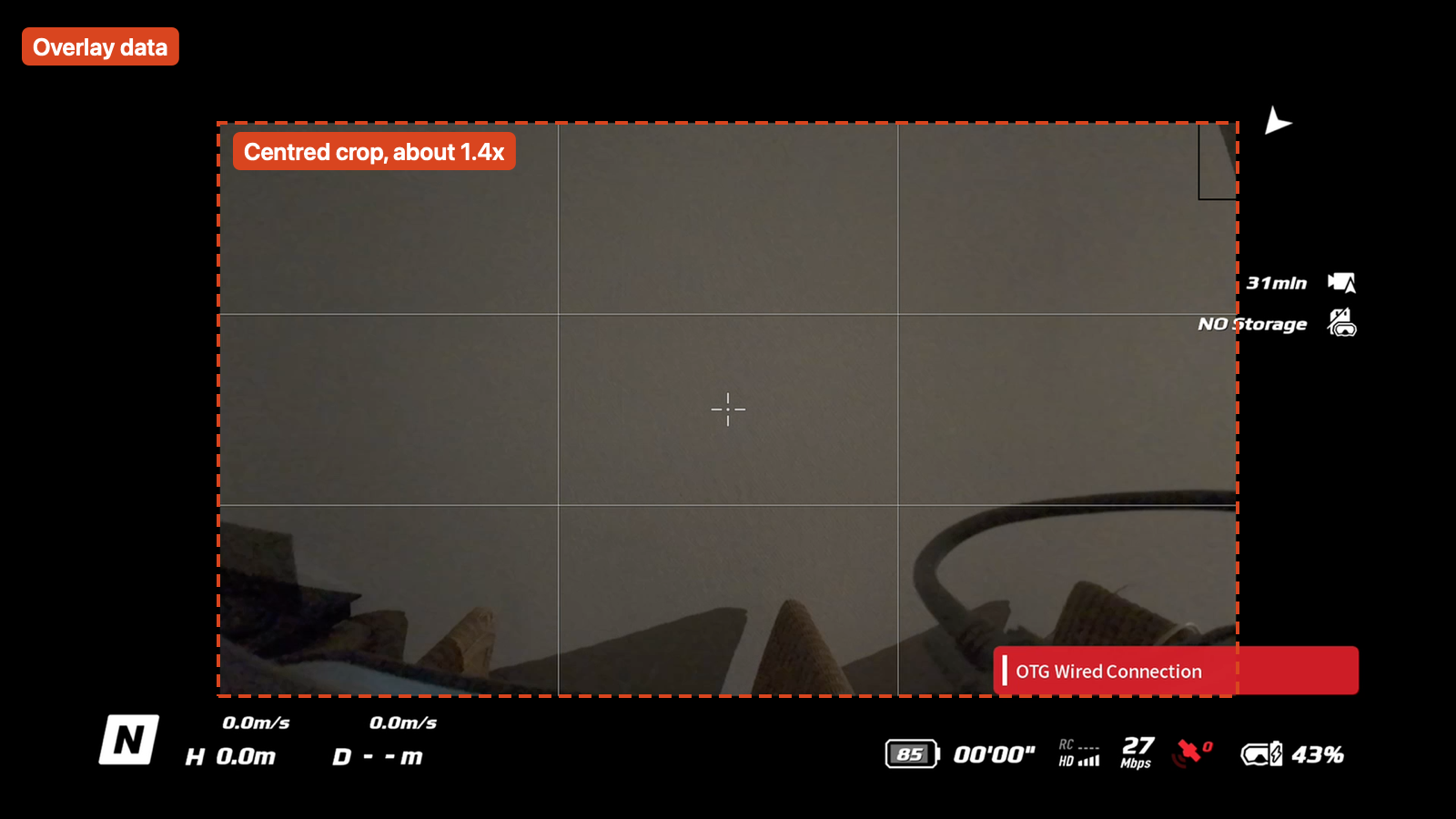
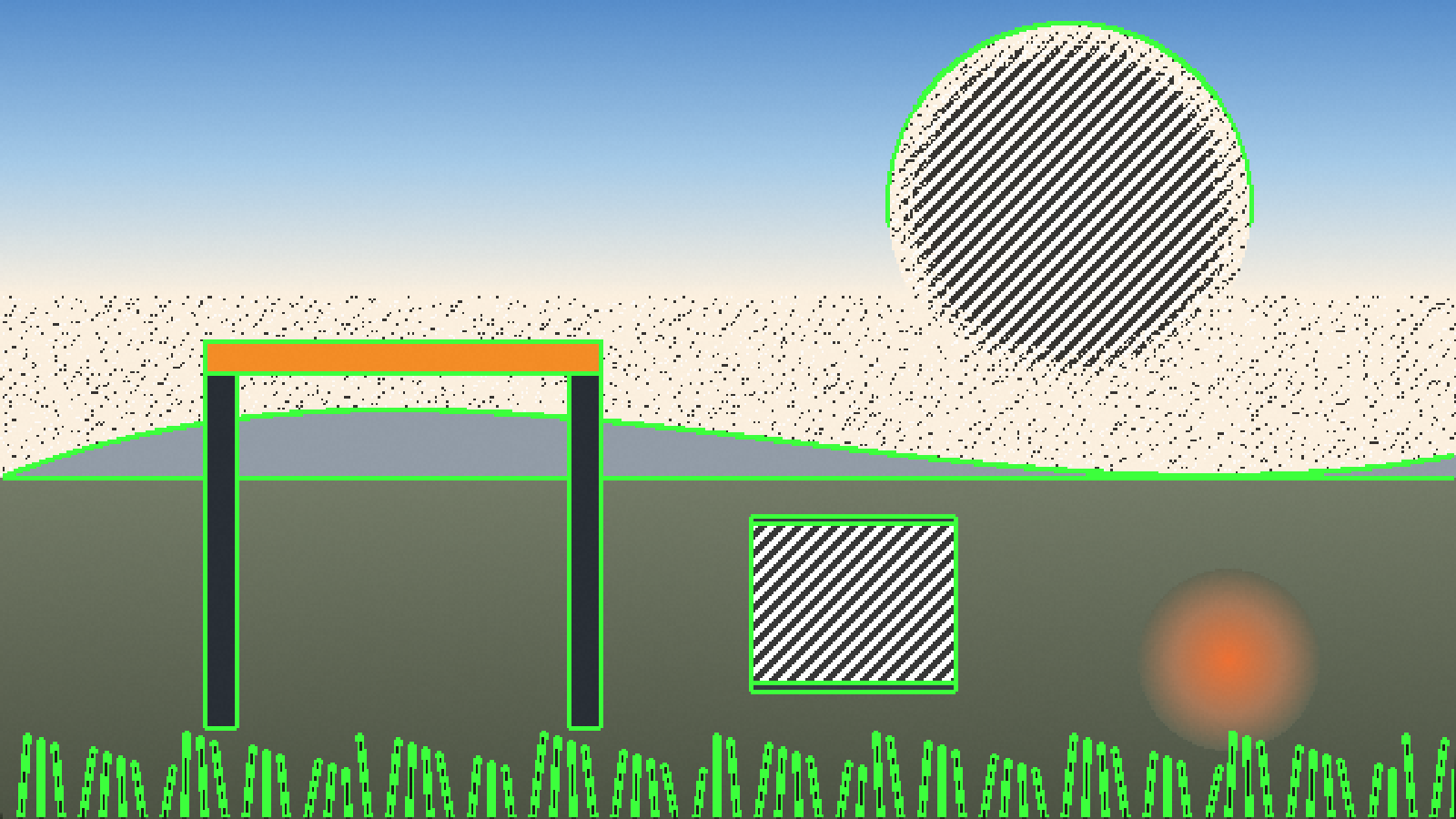
The goggles draw their own overlay (flight data, battery, link strength, storage warnings) into the video they send. With a drone linked, the camera picture sat in the middle of that frame at about 70% of its width and height, with the overlay in the margins.
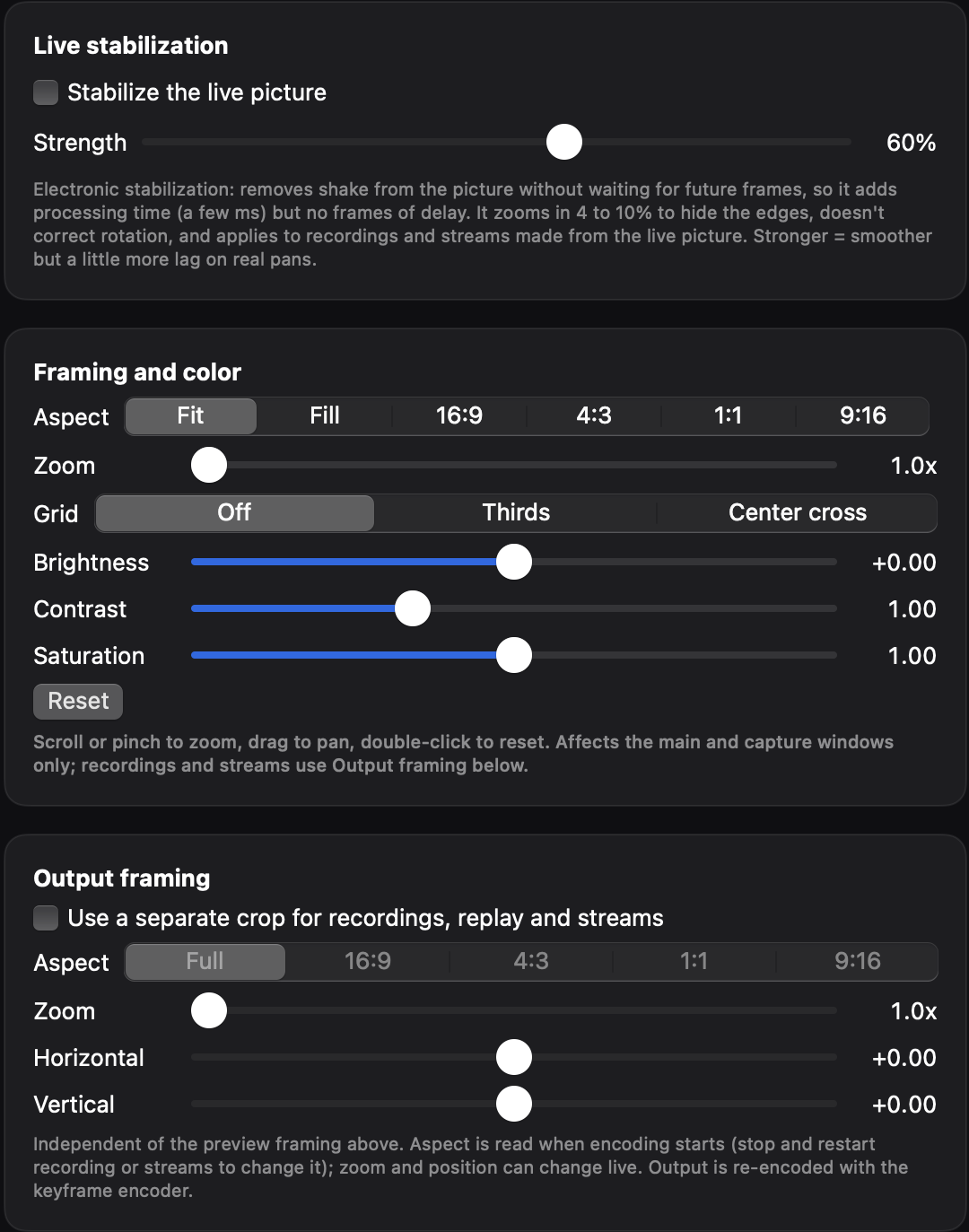
That overlay shows up in OBS and in recordings. To get a clean picture, turn it off on the goggles: Settings > Camera > Advanced camera settings > Camera View Recording > off. Or crop it out with Output framing.
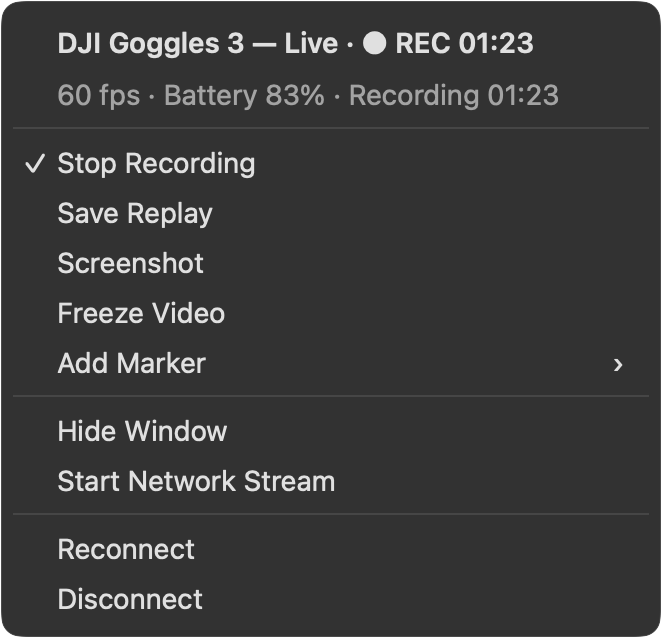
Frame rate follows what the goggles send: about 35 frames per second in our test with a drone linked, 60 in an earlier one.